Benefits of Microsoft 365 and Azure Active Directory for Identity Management

Identity management is critical for businesses today. In a world where more and more employees are working remotely and accessing corporate data from a variety of devices, it’s important to have a robust system in place to manage and protect employee identities. That’s where Microsoft 365 and Azure Active Directory come in.

When used together, Microsoft 365 and Azure Active Directory provide a complete solution for identity management in organizations. Microsoft 365 provides the productivity and collaboration tools that users need, while Azure Active Directory handles the single sign-on and security features. This offers several benefits, including a consistent experience for users across all applications, enhanced security through centralized control.

Azure Active Directory

Azure Active Directory is a cloud-based identity management service that provides single sign-on (SSO) capabilities and robust security features. It offers several capabilities, including an enterprise identity service that provides single sign-on, multifactor authentication, and conditional access.

Microsoft 365

Microsoft 365 is a cloud-based productivity and collaboration suite that is the most popular SaaS platform in use today. It includes the Microsoft Office applications, Outlook, OneDrive, SharePoint, and Teams. It offers several capabilities, including email, calendaring, contacts, tasks, and document management.

Using Microsoft 365 and Azure Active Directory for identity management provides several benefits:

1. Centralized Management of Workforce Identities

Organizations that use Microsoft 365 and Azure Active Directory can manage their workforce identities in a centralized way. This means that they can provide their employees with a single set of credentials to access all the applications and services that they need, both on-premises and in the cloud. This makes it much easier for administrators to manage user accounts and reduces the chances of users forgetting their passwords or having their accounts hacked.

2. Consistent User Experience across Applications

When users sign into Microsoft 365 with their Azure Active Directory credentials, they will have the same experience across all the applications that they use. This includes the Office applications, Outlook, OneDrive, SharePoint, and Teams. They will also be able to access their files and documents from any device, including their mobile phones.

This makes it easier for users to access the information and resources they need, regardless of which application they are using. Additionally, it reduces the need for training on multiple applications.

3. Enhanced Security through Centralized Access Control

Azure Active Directory provides organizations with the ability to control access to their applications and resources in a centralized way. This includes the ability to set up multifactor authentication and conditional access rules, making it easier to monitor and control access to resources.

This enhanced security helps to protect corporate data and makes it more difficult for hackers to gain access to sensitive information. Additionally, it reduces the chances of users accidentally disclosing corporate data.

4. Reduced IT Costs and Increased Efficiency

M365 and Azure AD offer reduced IT costs and increased efficiency by enabling organizations to manage all identities in one place. This is because administrators can manage users in a centralized way, eliminating the need to maintain multiple user accounts across different applications. This makes it easier to provision and deprovision users, as well as to monitor and control access to resources.

Additionally, Azure Active Directory integrates with the Microsoft 365 suite of products, making it easier to deploy and manage. This integration can help to reduce the amount of time and effort required to manage user accounts.

Microsoft 365 and Azure Active Directory are a valuable combination to give organizations of any size the ability to manage identities. While the capabilities provided are great, the ability to cost-effectively leverage these capabilities can be beyond the scope of even the largest IT organizations.

At Montra, we understand the importance of workforce identity management and security, which is why we have spent time developing our own software that leverages the core capabilities of M365 and Azure AD to ease the use of it for all IT organizations. If you have any questions about our identity management services and software, please contact us at sales@montra.io.
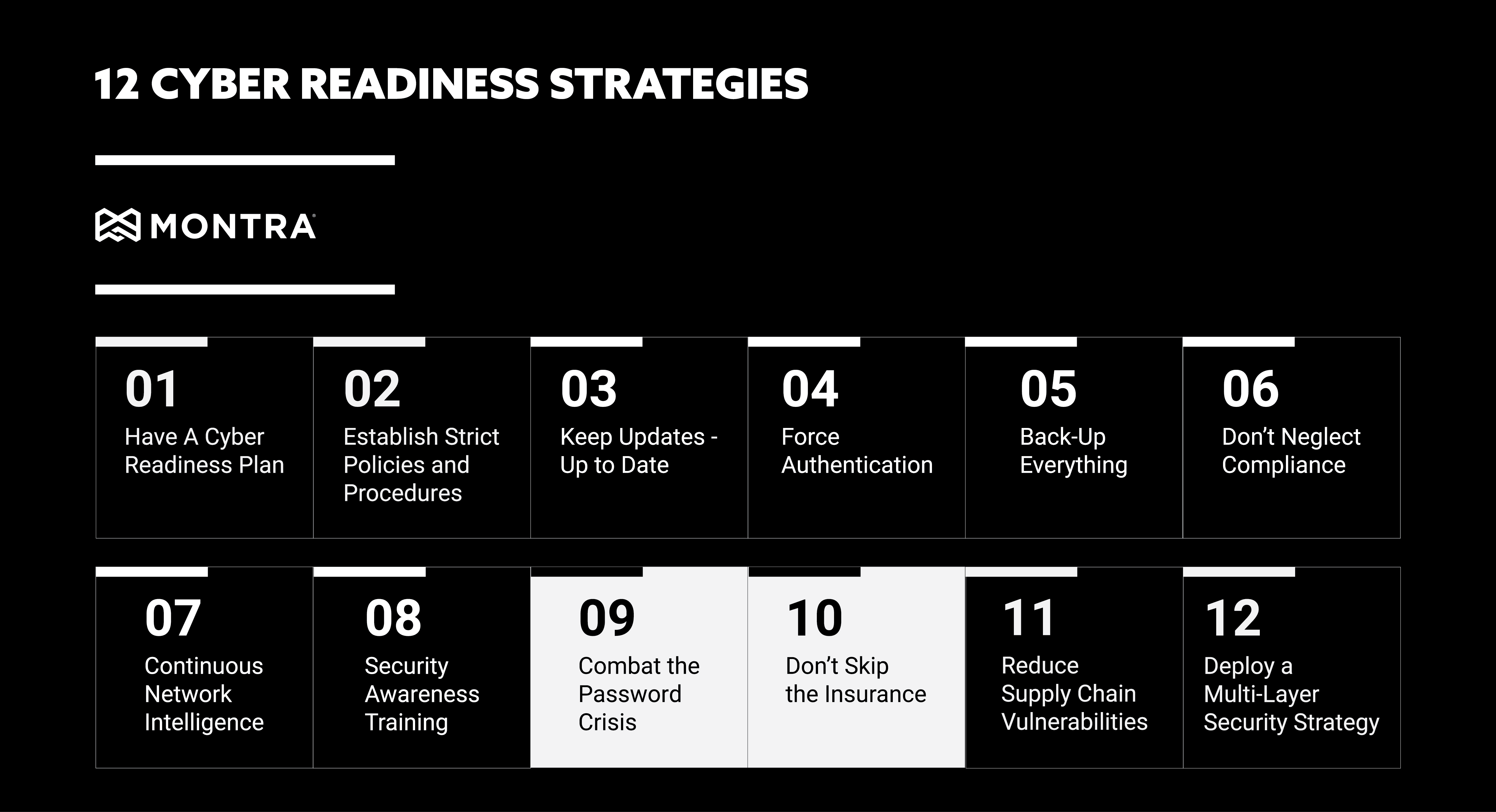
Cyber-readiness Strategies 9 and 10: Passwords and Insurance

It’s becoming increasingly difficult to keep up with the cyber security threats out there. From ransomware and phishing to malicious insiders and business email compromises, there are many dangers lurking in the digital world that can affect your organization. To stay safe, it’s important to have a robust cyber readiness strategy in place. This starts with making sure your employees are aware of the threats and know how to protect themselves, but it also includes implementing technology solutions and procedures that can help you mitigate or prevent attacks. In our prior installment of this series, we touched on Continuous Network Intelligence and Security Awareness Training. Keep reading for strategies #9 and #10; Combating the Password Crisis and Don’t Skip Insurance.

Combat the Password Crisis 

In today’s fully connected world, passwords are the first line of defense against cyber-attacks. However, they are also often the softest target for attacks. This is because many people use weak or easily guessed passwords, and they often reuse them across multiple accounts. This makes it easy for hackers to gain access to your systems if they can just crack one password. To combat this, it’s important to have strong password policies in place. This includes using a mix of letters, numbers, and special characters, as well as changing passwords regularly. This can be managed by policy on many systems so that users are forced to use strong passwords and unique passwords across systems. For some systems, these controls cannot be set, but alerts can be triggered so that IT staff will get notified when users set their passwords poorly. 

When users are forced to use difficult and unique passwords, it’s also critical to use a password manager to help users keep track of all their different login credentials. This will make it easier for your users to comply with the password policies. Some desktop browsers have a basic password manager built-in and third-party software can also be used that provides additional features like secure password sharing within groups. 

Don’t Skip the Insurance 

No matter how well you prepare, there’s always a chance that your organization could be the victim of a cyber-attack. This is why it’s so important to have insurance in place. Cyber insurance can help cover the costs of an attack, including business interruption, data recovery, and legal fees. It can also help with reputational damage control if your organization’s name is dragged through the mud. 

Cyber-insurance is a relatively new area of business insurance, so there are a wide variety of cyber insurance carriers with different underwriting policies. It is important to do your research and find one that fits your organization’s needs and that is cost-effective. It is also helpful to work with cyber experts, who can help you make some small changes to your IT operation that can have a big impact on your cyber insurance costs. Implementing multi-factor authentication across all your applications and using DNS Security can have a positive impact on your risk scoring with an insurance carrier. 

These are just two more of the many things you can do to improve your cyber readiness strategy. Stay tuned for our next, and final installment, where we’ll be covering strategies #11 and #12; Reduce Supply Chain Vulnerabilities and Deploying a Multi-Layer Security Strategy. If you would like more information or have questions about how strong your cyber-readiness is, please contact Montra at sales@montra.io.

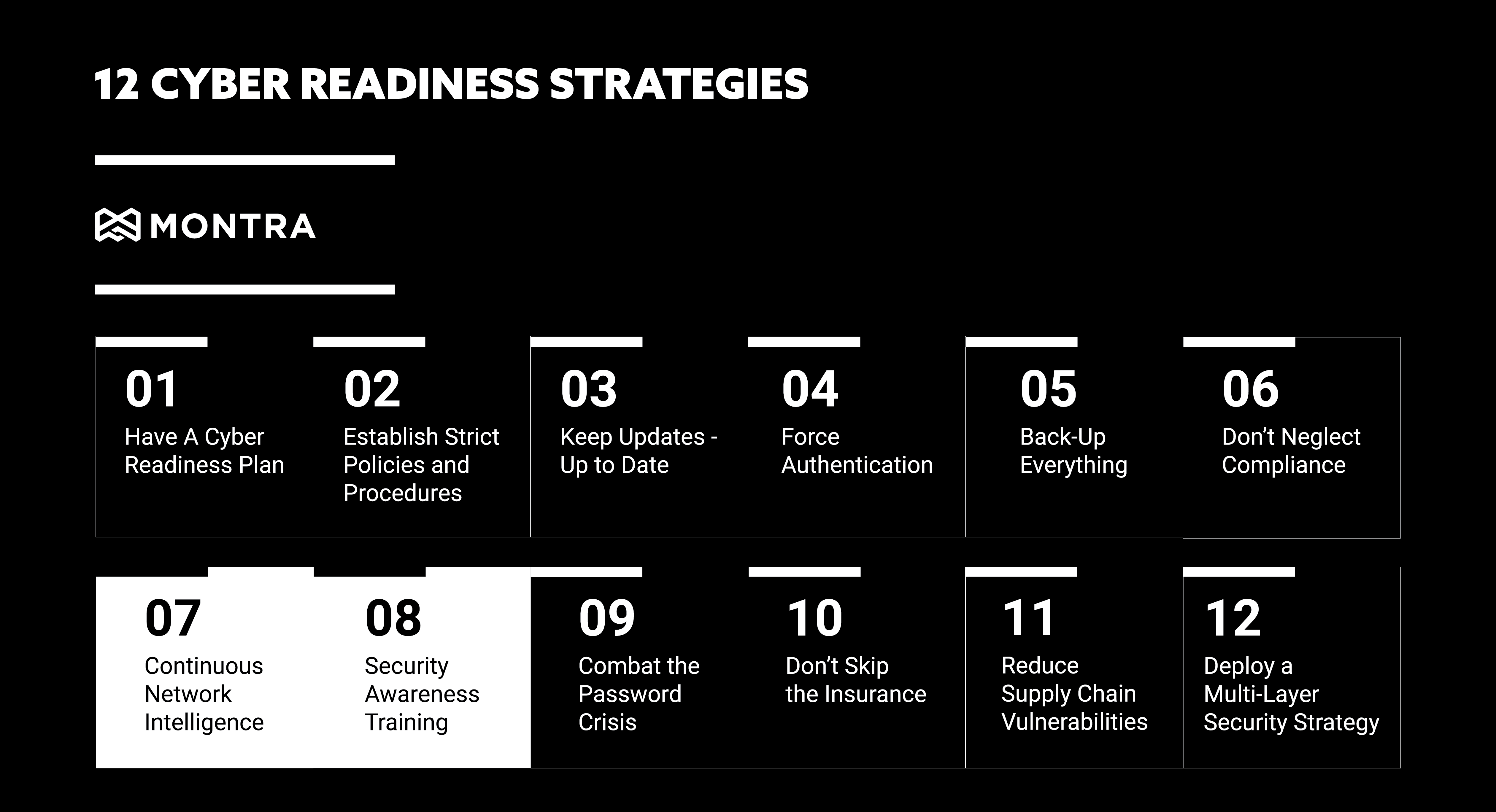
12 Cyber Readiness Strategies #7 and #8

In our last blog post, we discussed cyber readiness strategies: #5 Back-Up Everything and #6 Don’t Neglect Compliance. Continuing our series this week are discussing strategies #7 and #8, Continuous Network Intelligence and Security Awareness Training. In 2021 businesses suffered 50% More Cyberattack Attempts per Week in 2021 and as a business owner, it is not only important to continuously monitor your networks for any suspicious activity, but also to prepare employees for any type of cyber attack 

7. Continuous Network Intelligence

Technology is always changing and advancing, which can mean new vulnerabilities for your organization. Staying on top of these changes is critical to reducing the risk of a cyberattack. This is where continuous network intelligence comes in. By monitoring your network and systems continuously, you can quickly identify and patch any vulnerabilities. In fact, continuous monitoring is one of the best ways to detect a cyber-attack early. One of the strategies attackers will use is ransomware attacks. What is a ransomware attack? A ransomware attack is when an attacker encrypts your data and demands a ransom to decrypt it. These attacks can be devastating to businesses, as they can lose critical data and be forced to pay a ransom. To prevent these attacks, it is important to set up your network to detect access from outside sources. As soon as anyone outside your network enters, you will be able to kick them out before they can cause harm. If you don’t have monitoring tools in place already there are a few ways to start implementing continuous network monitoring: 

  • Use a network security solution that provides real-time visibility into your network traffic and activity. 
  • Keep systems up-to-date by continually watching for OS and application security updates and patching the systems as soon as reasonable. 
  • Conduct regular penetration testing to identify any weaknesses in your system. 

By continuously monitoring your network, you can quickly identify and patch any vulnerabilities. This will help reduce the risk of a cyber-attack and keep your business running smoothly. 

8. Security Awareness Training 

In addition to continuously monitoring your networks, it is also important to prepare employees for any type of cyber attack. This is where security awareness training comes in. Around 91% of breaches started with a phishing attack and 81% of cyber-attacks are related to stolen or weak passwords. By educating employees on the latest cybersecurity threats and how to prevent them, you can reduce the risk of a successful attack. There are a few things to keep in mind when creating a security awareness training program. 

  • Make it mandatory for all employees. 
  • Keep it up-to-date with the latest threats. 
  • Test employees regularly to ensure they are understanding the material. Examples of this include: 
  • Computer-based awareness training 
  • Phishing simulation exercises 
  • Awareness campaigns 
  • In-person security awareness training 
  • Monthly notifications or newsletters 

By following these tips, you can create a security awareness training program that will help keep your business safe. And by educating employees on the latest cybersecurity threats and how to prevent them, you can reduce the risk of a successful attack.  

These are just a few of the many precautions that should be taken to protect your business from a cyberattack. If you would like more information or have any questions, contact Montra at sales@montra.io


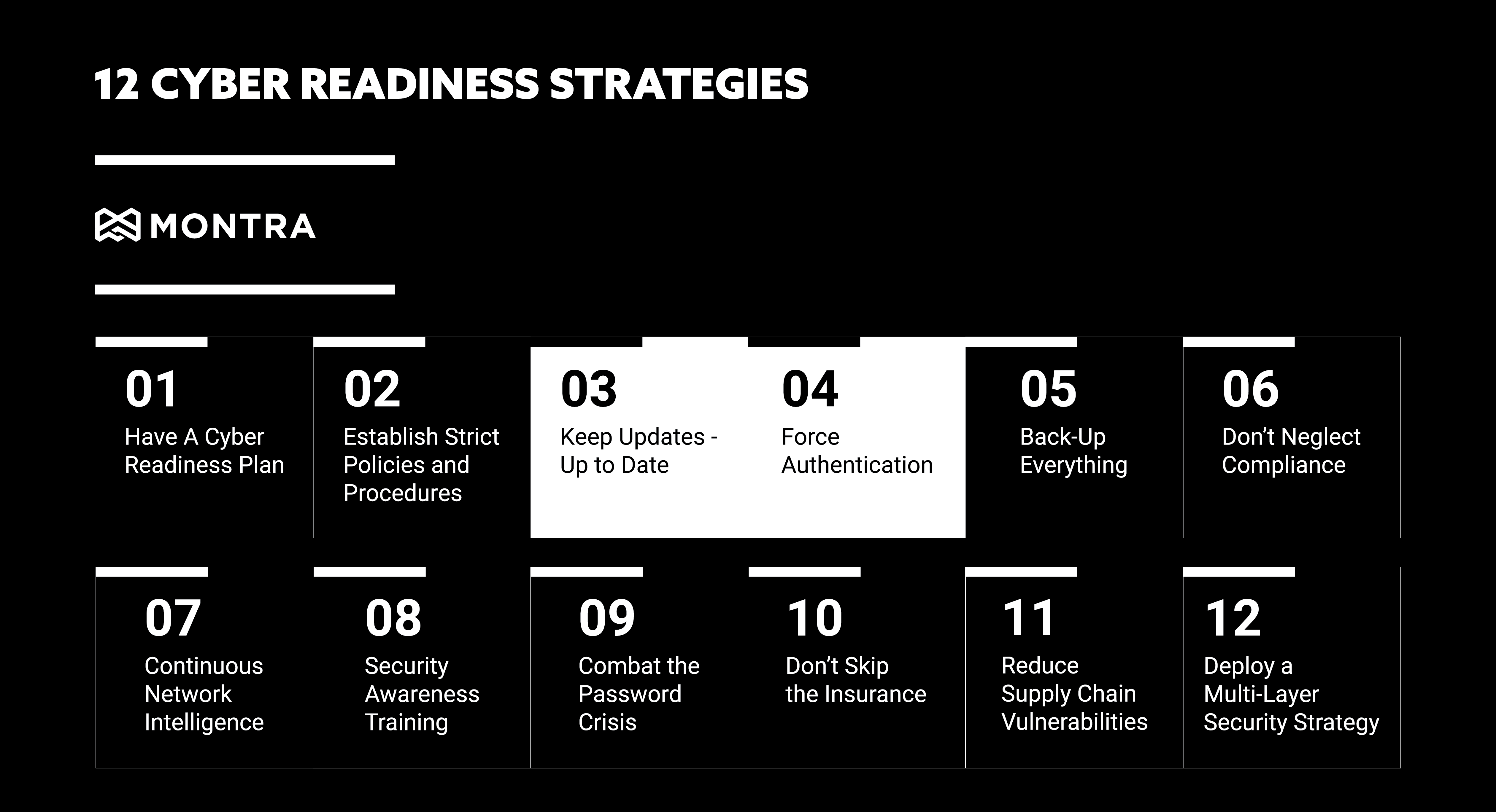
12 Cyber Readiness Strategies #3 and #4

3. Keep Updates – Up to Date

While software updates often introduce new or enhanced features into your apps, programs, and systems, they also install security and performance fixes known as patches. Undiscovered defects or flaws can leave your systems exposed. Cybercriminals will exploit any vulnerability or security gap they find. Keeping your systems updated is vital for keeping your business cyber-ready. 

Failure to Patch systems results in a breach. Of the companies who reported that their business experienced one or more data breaches in the past year, 57% confirmed that these breaches probably occurred because a patch was available for a known vulnerability but not applied. 

Why are Security Patches Important? Security patches address known vulnerabilities within software systems. Once these flaws or weaknesses become known, cybercriminals begin looking for ways to exploit them. The sooner a security patch is installed, the faster your business can restore protection and security against threats associated with vulnerabilities. Below are the five effective elements for applying security patches: 

1. Automate. With an automated system, analyzing and deploying patches can be as easy and provide significant time savings. 

2. Plan your approach. Group systems by department, location, etc. to better handle your environment and more productively manage patches. 

3. Test patches. Don’t just push out patches before testing them. All patches should be thoroughly lab-tested.

4. Know the configurations. Make sure you synchronize and validate your development, test, and development patch configuration settings. 

5. Maintain patch levels. Be proactive and schedule scans on a daily or weekly basis to analyze the environment and deploy all critical patches.  

Learn more about system updates and patches with our infographic, or contact Montra to see how we can automate and optimize your system patching process. sales@montra.io 

4. Enforce Multi-factor Authentication (MFA)

Threat of cyberattack has never been greater. According to the Verizon Data Breach Investigations Report, nearly 80% percent of all data breaches are due to lost, weak, or stolen passwords. And a recent study by Omdia/Ovum, 76% of employees report experiencing regular password problems. Verifying user identity and managing access to your business data has never been more important. 

One-level security or single-factor authentication is no longer enough. Even the strongest passwords are vulnerable to theft or exposure. Requiring more than one method to authenticate user identity or access permissions can reduce or eliminate the risk of stolen or unauthorized credentials being utilized. 

Using Multi-factor Authentication (MFA) makes gaining access to resources more secure and less vulnerable to credential theft. MFA provides enhanced security to identity management by requiring two or more forms of authentication. Mobile devices which support push notifications or texts, can be used for one-time passcodes, or third-party authenticator applications such as Google Authenticator or Microsoft Authenticator can be used to generate one-time passcodes also. 

MFA must be implemented to meet the security requirements to achieve and prove compliance for most regulatory bodies such as HIPAA, PCI DSS, GDPR, NAIC, NIST CSF, CMMC, ISO 27001, CCPA, NY SHIELD Act, GBLA, SOX and more. 

Get cyber-ready by setting up all your accounts with MFA today. Download our infographic for more information on MFA and password hygiene. If you want to understand how Montra can help you set up all your accounts, contact us at sales@montra.io. 

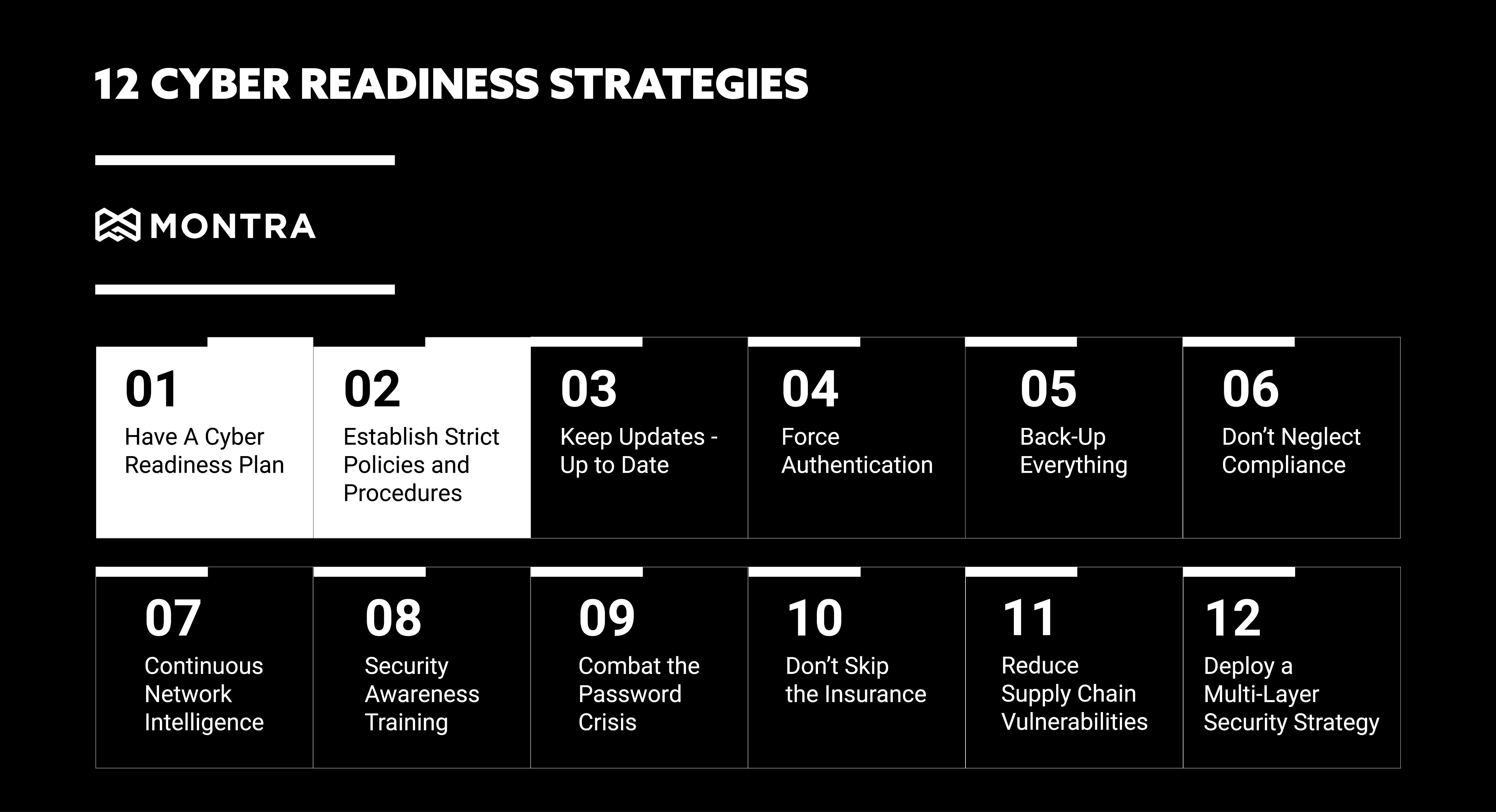
12 Cyber Readiness Strategies #1 and #2

Is your business ready to handle a targeted cyber-attack? Maybe you have been attacked and don’t even know it. According to the the 2020 Thales Data Threat Report, 49% of US companies have already experienced a data breach. To help you become more proactive and effective at defending against cyber threats, we are discussing 12 Cyber Readiness Strategies over the next few blogs.

1. Have a Cyber Readiness Plan

It may seem obvious, but to properly address all of the cyber-security threats to your organization, you first need to have a plan – specifically a Cyber Readiness Plan. Your ability to quickly and cost-effectively overcome security threats or breaches determines your business’s success and survival. How you handle and protect your data is central to your business’s security and customers, employees, and partners’ privacy expectations. You need a cyber readiness plan that includes prevention, continuity, and recovery strategies. The Federal Communications Commission provides an excellent planning guide that identifies six critical areas of cybersecurity for companies to address:

1. Privacy and Data Security

2. Scams and Fraud

3. Network Security

4. Email

5. Website Security

6. Mobile Devices

Download the associated cheat sheet as an easy outline to understand each of these areas to help you quickly navigate these best practices and assess your readiness.

2. Establish Strict Policies and Procedures

Cybersecurity policies and procedures help guide secure business operations and are essential for defining the standards of business conduct, system controls, employee awareness, and workplace definitions and expectations. While establishing strict, security-focused protocols is crucial, a system of validation and enforcement is equally important. In fact, all major cybersecurity and privacy frameworks, such as NIST CSF, ISO 27001, HIPAA, and PCI DSS, all require periodic auditing or continuous monitoring to make certain that policies are properly put into operation.

To help you start building your cybersecurity policy and procedure library, we have provided a few policy templates to start. Click to download 12 IT policy templates that are critical to any IT operation.