12 Cyber Readiness Strategies #7 and #8

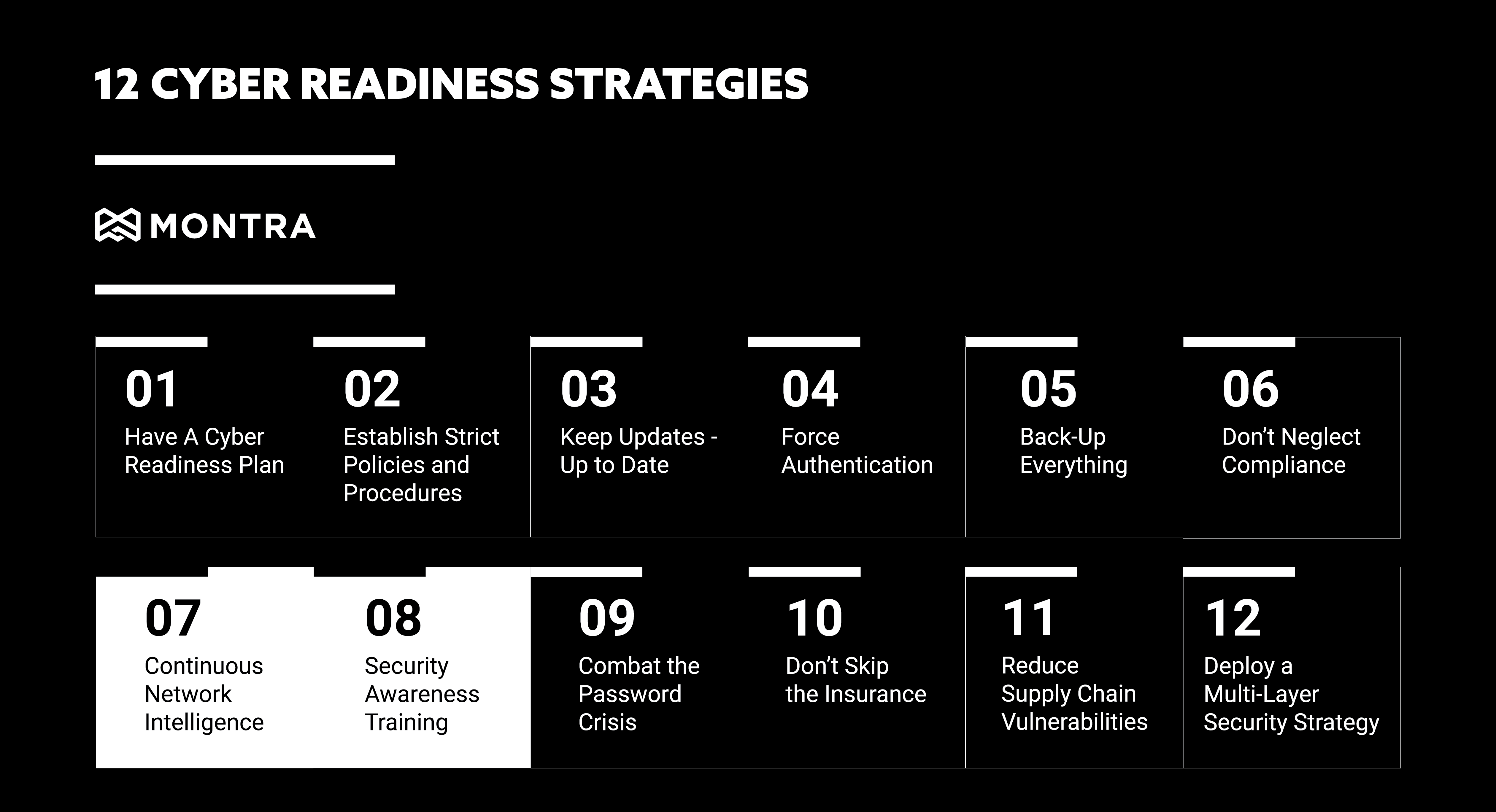
In our last blog post, we discussed cyber readiness strategies: #5 Back-Up Everything and #6 Don’t Neglect Compliance. Continuing our series this week are discussing strategies #7 and #8, Continuous Network Intelligence and Security Awareness Training. In 2021 businesses suffered 50% More Cyberattack Attempts per Week in 2021 and as a business owner, it is not only important to continuously monitor your networks for any suspicious activity, but also to prepare employees for any type of cyber attack 

7. Continuous Network Intelligence

Technology is always changing and advancing, which can mean new vulnerabilities for your organization. Staying on top of these changes is critical to reducing the risk of a cyberattack. This is where continuous network intelligence comes in. By monitoring your network and systems continuously, you can quickly identify and patch any vulnerabilities. In fact, continuous monitoring is one of the best ways to detect a cyber-attack early. One of the strategies attackers will use is ransomware attacks. What is a ransomware attack? A ransomware attack is when an attacker encrypts your data and demands a ransom to decrypt it. These attacks can be devastating to businesses, as they can lose critical data and be forced to pay a ransom. To prevent these attacks, it is important to set up your network to detect access from outside sources. As soon as anyone outside your network enters, you will be able to kick them out before they can cause harm. If you don’t have monitoring tools in place already there are a few ways to start implementing continuous network monitoring: 

  • Use a network security solution that provides real-time visibility into your network traffic and activity. 
  • Keep systems up-to-date by continually watching for OS and application security updates and patching the systems as soon as reasonable. 
  • Conduct regular penetration testing to identify any weaknesses in your system. 

By continuously monitoring your network, you can quickly identify and patch any vulnerabilities. This will help reduce the risk of a cyber-attack and keep your business running smoothly. 

8. Security Awareness Training 

In addition to continuously monitoring your networks, it is also important to prepare employees for any type of cyber attack. This is where security awareness training comes in. Around 91% of breaches started with a phishing attack and 81% of cyber-attacks are related to stolen or weak passwords. By educating employees on the latest cybersecurity threats and how to prevent them, you can reduce the risk of a successful attack. There are a few things to keep in mind when creating a security awareness training program. 
  • Make it mandatory for all employees. 
  • Keep it up-to-date with the latest threats. 
  • Test employees regularly to ensure they are understanding the material. Examples of this include: 
  • Computer-based awareness training 
  • Phishing simulation exercises 
  • Awareness campaigns 
  • In-person security awareness training 
  • Monthly notifications or newsletters 

By following these tips, you can create a security awareness training program that will help keep your business safe. And by educating employees on the latest cybersecurity threats and how to prevent them, you can reduce the risk of a successful attack.  

These are just a few of the many precautions that should be taken to protect your business from a cyberattack. If you would like more information or have any questions, contact Montra at sales@montra.io


Phishing in the Workplace: 3 Attacks and 3 Ways to Protect Yourself

About the time most people learn how to spell phishing, they realize that it is an email-based social engineering tactic to get access to a user’s account or financial information. It probably won’t come as a surprise that phishing is now fairly common on LinkedIn and Text. 

No matter whether it is email, LinkedIn, or text, the tactics the scammers use are consistent. Here are three of the most common tactics being used by scammers today: 

1. Fake Messages from the “Boss” 

This is a particularly insidious and effective tactic. A message is sent via email/text/LinkedIn to the user with an urgent request to contact them from the CEO, CFO, or other high-ranking employees at the company. The scammer typically uses more targeted language in the messages that applies to the business to make the attack more effective. This is typically called a spear-phishing attack because of its more targeted nature.

2. Fake Tech Support Messages  

Some phishers try to mimic the IT support staff rather than an executive to get people to engage. The focus of this type of attack is to get the target to give up their credentials to important company accounts. The attacks usually start with something like “Important Alert: Your Account Has Been Hacked”. The user will then be instructed to click on a link to reset their password and/or give up other important information. The links will always go to fake sites that will not match the company name or name of the software that has been supposed hacked. 

3. Fake Contact Requests 

This is used most often on social platforms like LinkedIn, but it is seen on email and text also. When a fake LinkedIn request comes via email, the link embedded in the email will go to a nefarious site that can load malware or ask for login information. We are often excited to receive a request that might lead to new business, so these attacks are particularly effective on sales and finance staff. 

These are just a few examples, and it is important to know that the types of phishing attacks and the format by which employees are targeted in the workplace continue to expand. Regardless, there are some basic tactics that apply across email, text or LinkedIn. Here are three ways to keep yourself from getting “social engineered” by one of these attacks:

1. Look at the Sender Information 

Whether in email, text, or LinkedIn, the sender’s information will look wrong. Most sending info will have the right name with the incorrect email like: 

Boss Lady <badactor234@gmail.com> 

In the case of LinkedIn, you need to look at their profile picture, name, and work history. The picture will typically be pulled from publicly available photos and the work history will be very limited. 

2. Look for Poor Grammar and Terminology 

While the sophistication of attacks continues to improve, it is difficult to completely mimic a message from a boss, customer, or colleague. If the fake sender is using the term “customer” when you know the real sender always says “client”, you should be concerned. 

“Hey, send me your phone number. I have some important work for you” 

Also, if they send an email to ask for your phone number, you need to think whether that fits with how they would really interact with you. Once they ask for your phone number, and they text you rather than call you then it is 100% a scam. 

 3. Reach out Separately or Just Don’t Respond 

In most workplace phishing attacks, you have alternate ways to communicate with the supposed sender. If you are concerned, reach out to them by a different method – phone call or Slack – and see if that is really them. If you do not have another way to verify the information, and you are not certain if it is legitimate then ‘do nothing’ is not a bad option.

“John, I just received a strange email message that is supposedly from you. Did you just send me something?” 

If the scammer is trying to create a false sense of urgency for the boss or a customer, this is difficult to do. Just remember, though, if it is really an emergency – even in today’s world – they will call you. If it is a social network connection request, just login to the service separately and view the request there rather than clicking the email link. 

There is a lot more your company can do to help including using email filters and text blockers on company accounts and providing cybersecurity training on an annual basis. In fact, for many companies, these actions are required for them to follow industry cybersecurity regulations. If you aren’t certain what tools are available to you, reach out to your company’s IT staff or service provider. They will be happy to help you stay safe!